
3×3 Cinematic Storyboards
Generate structured nine-frame visual storyboard concepts.
Turn your ideas into cinematic visual storyboards.
Transform your ideas into visually structured cinematic storyboards. Plan shots, camera angles, lighting, and atmosphere with an AI-powered creative workflow.
Runs inside ChatGPT. Image generation depends on your ChatGPT account and access.
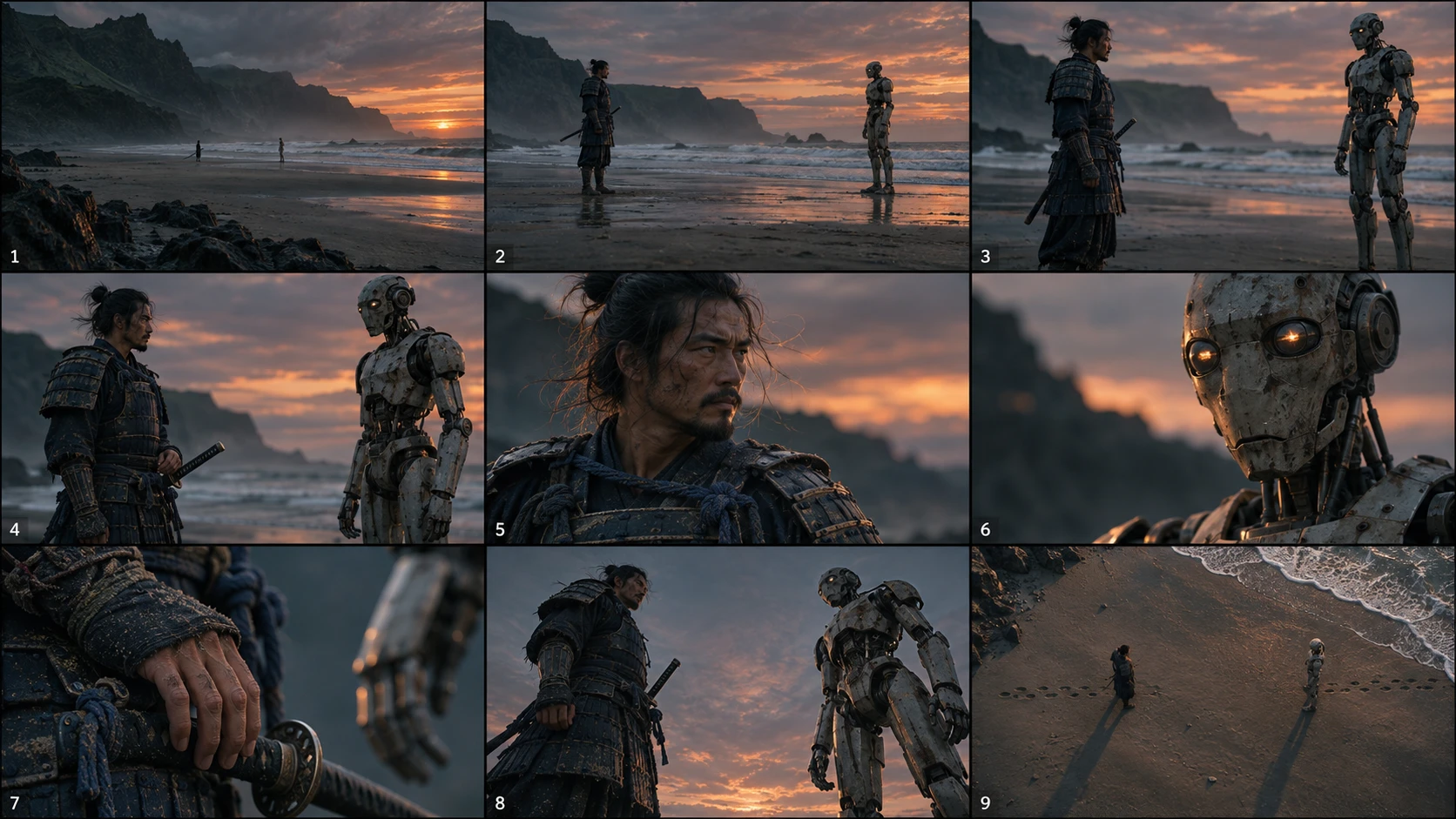
Every storyboard follows the same 3×3 structure, moving from wide context to core coverage to detail and dramatic angles.
Extreme long shot, long shot, and medium long shot place your subject in the world.
Medium shot, medium close-up, and close-up bring the action and the subject closer.
Extreme close-up, low angle, and high angle add texture, power, and perspective.
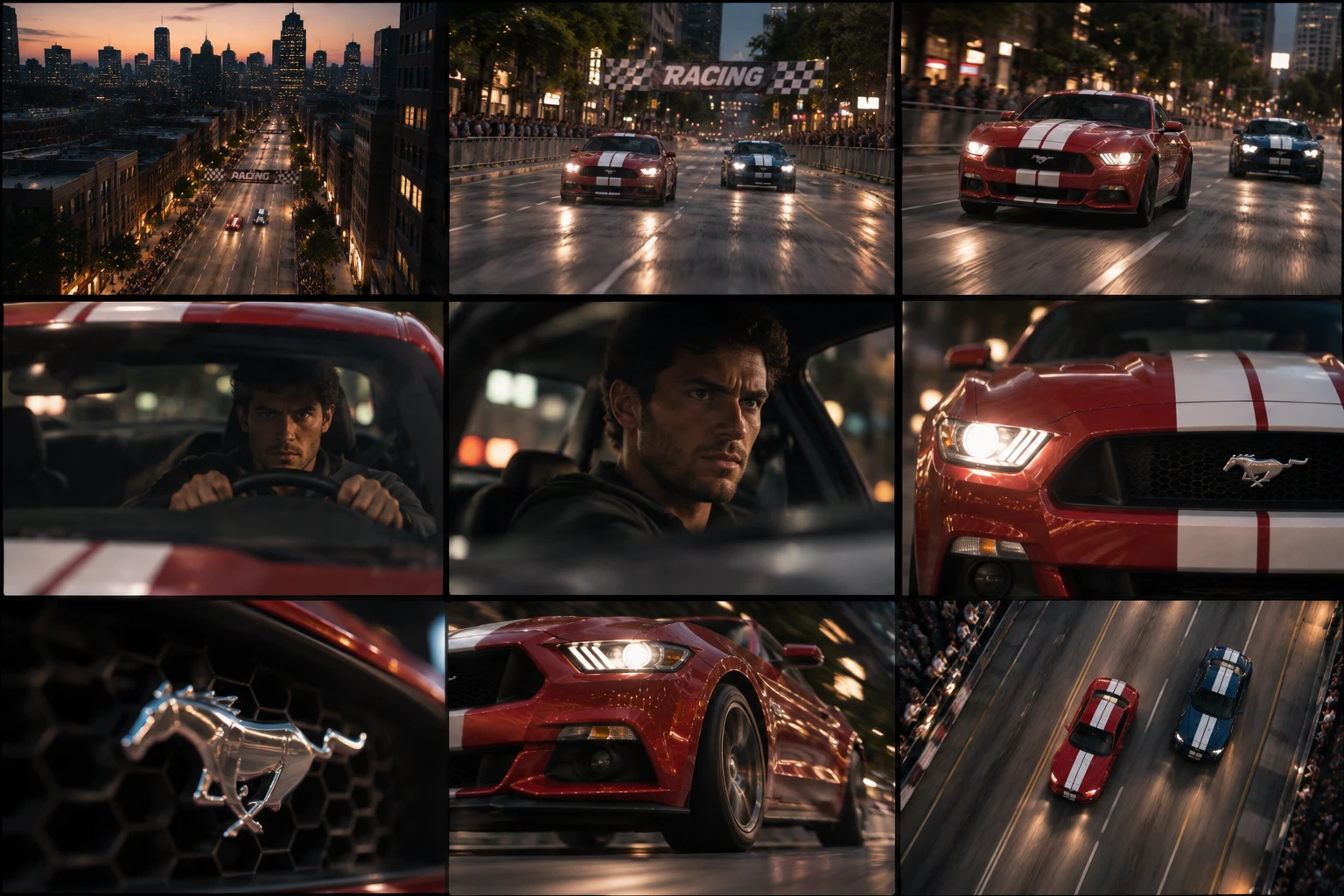
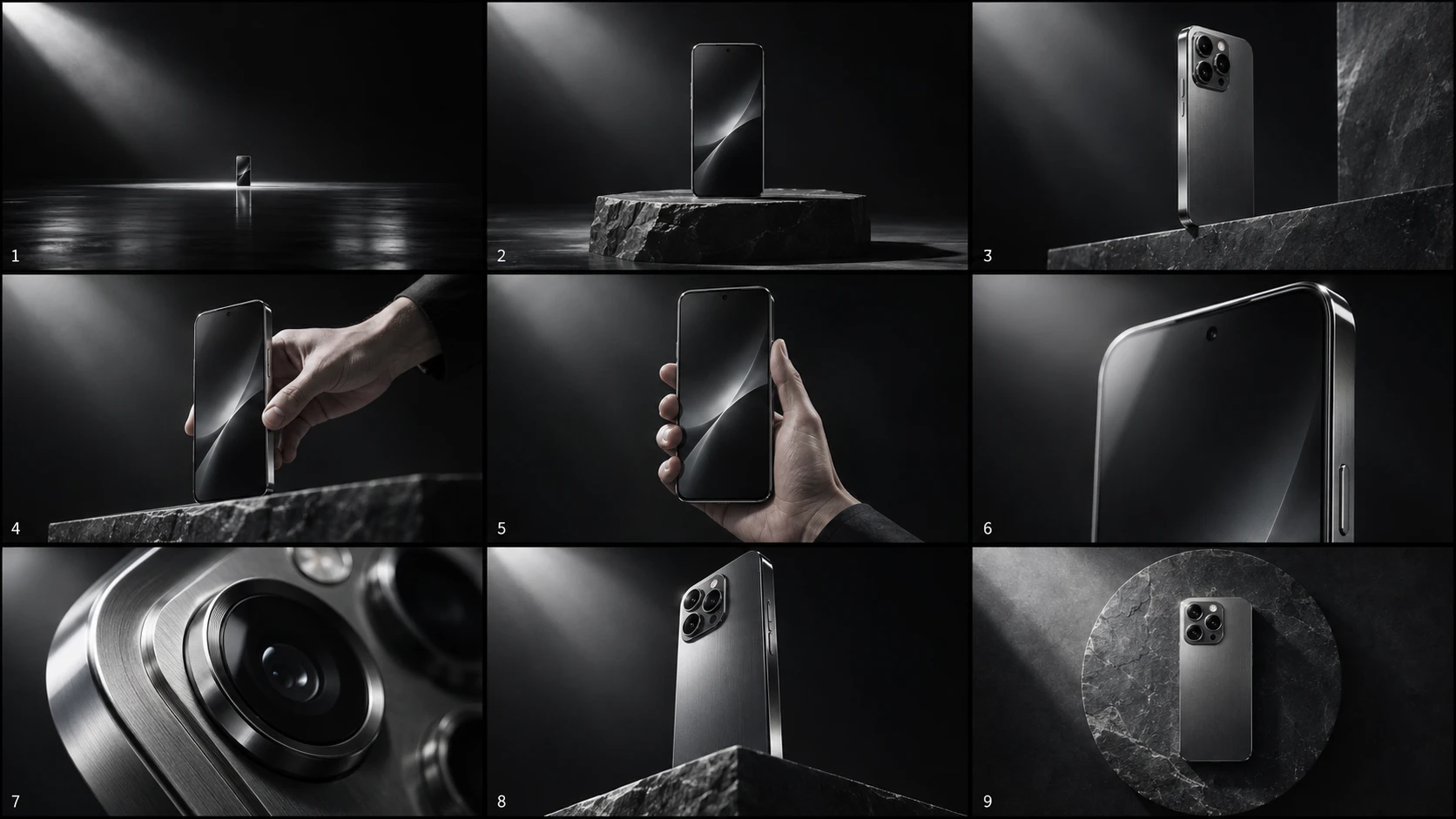
Each storyboard is planned with the visual language used on professional sets: shot sizes, angles, optics, light, and grade.
Generate structured nine-frame visual storyboard concepts.
Explore wide shots, medium shots, close-ups, extreme close-ups, high angles, low angles, and other cinematic compositions.
Plan establishing shots, medium shots, character details, reaction shots, and dramatic compositions.
Use professional camera and lens language to guide the visual look.
Develop mood using cinematic lighting, contrast, shadows, practical lights, and atmospheric effects.
Create cohesive cinematic colour palettes and film-inspired visual treatments.
Maintain a coherent visual direction across storyboard frames.
Use storyboards to plan scenes before creating AI-generated video.
Write your concept, story, or visual idea.
Develop the camera language, composition, mood, and visual style.
Transform your concept into a structured cinematic storyboard.
Filmmakers, film directors, cinematographers, creative directors, AI video creators, advertising agencies, motion designers, visual storytellers, and video production teams.
Short ideas work, and adding subject, setting, light, and mood gives the storyboard more to work with.
“Create a cinematic 3×3 storyboard of an astronaut discovering an enormous alien structure on a distant planet. Use atmospheric lighting, dramatic wide shots, close-ups, and a consistent cinematic colour palette.”
“Create a cinematic 3×3 storyboard of a futuristic motorcycle chase through a neon-lit city at night. Include dynamic camera angles, tracking shots, close-ups, and dramatic lighting.”
“Create a premium cinematic 3×3 storyboard for a luxury smartphone advertisement. Use elegant product macro shots, controlled studio lighting, reflections, dramatic close-ups, and sophisticated commercial cinematography.”
It is a creative tool that runs inside ChatGPT. You describe a scene, and it plans nine cinematic shots and uses ChatGPT’s image generation to visualise them as a 3×3 storyboard. It is an independent product by Saransh Sharma and is not affiliated with or endorsed by OpenAI.
A single contact-sheet-style layout of nine frames in three rows. Row one establishes context (extreme long shot, long shot, medium long shot), row two covers the core action (medium shot, medium close-up, close-up), and row three adds detail and angles (extreme close-up, low angle, high angle).
Filmmakers, directors, cinematographers, creative directors, AI video creators, agencies, motion designers, and anyone who wants to explore how a scene could be shot before production.
Yes, as a pre-production step. The storyboard helps you plan shots, framing, and look before you move to an AI video tool. It does not generate video itself.
Every storyboard uses a fixed nine-shot structure that already includes wide shots, close-ups, a low angle, and a high angle. You can describe the camera feel you want in your scene description, and it will be taken into account within that structure.
You can describe time of day, mood, lighting, and colour palette in your prompt. The tool always aims for motivated, cinematic lighting and a cohesive, film-inspired grade, and it builds on the direction you give it. You can also pick one of its built-in camera looks and colour grades, or an aspect ratio such as 2.39:1.
Yes. The tool runs inside ChatGPT and relies on ChatGPT’s image-generation capability. What you can use depends on your ChatGPT account, plan, region, and current platform availability.
Try again, or start a new chat and send your scene again. Simplifying the prompt can also help. If image generation is unavailable on your account or temporarily limited, it may be a ChatGPT-side restriction. See the troubleshooting guide, or email info@saaart.xyz.
Describe it in a sentence. Get nine cinematic frames to plan, pitch, and shoot from.